

What is available
Archie ships with these system services:- Authentication providers — API key, AWS Cognito, Google OAuth, OAuth2, Apache Shiro
- File storage — Azure Blob Storage, Filestack, Google Cloud Storage
- Roles — fine-grained role definitions tied to user types
- Email verification — verify user emails on signup

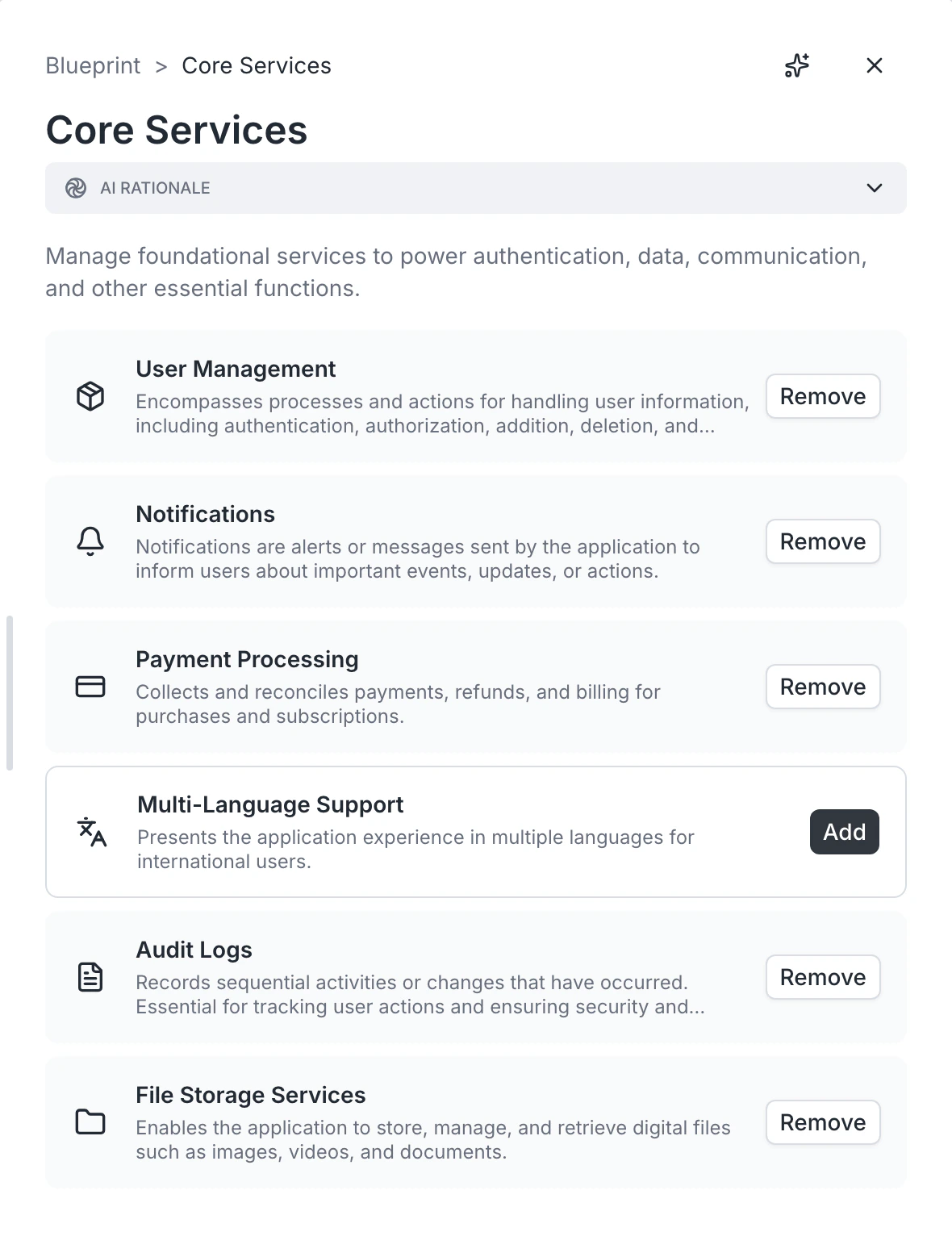
Choosing an authentication provider
Open the System services card and select an auth provider. Each provider has its own configuration:- API key — header name and validation URL
- AWS Cognito — user pool ID, region, identity pool ID
- Google OAuth — client ID, redirect URI, hosted domain (optional), scopes
- OAuth2 — authorization URL, token URL, user info URL, scopes
- Apache Shiro — realm class, authentication strategy, session timeouts
Choosing a file storage provider
For apps that handle uploads, pick a storage backend:- Azure Blob Storage — container name, account name, access key
- Filestack — bucket name and Filestack credentials
- Google Cloud Storage — bucket name, GCP project ID, service credentials JSON
Adding or removing services
Some services are required (authentication). Others (file storage, email verification) are optional. Toggle them on or off from the System services card.FAQ
Can I switch auth providers after the build?
Can I switch auth providers after the build?
Yes, but it is nontrivial — you will need to migrate existing user records. Choose the right provider during blueprint editing if you can.
Do I need credentials before building?
Do I need credentials before building?
No. The blueprint just specifies which provider you will use. Add credentials in App settings after the build.
Can I bring my own auth?
Can I bring my own auth?
Yes. The OAuth2 provider lets you integrate any standards-compliant identity provider.