

Start building with Archie
Blueprint
Define what you’re building before you build it. Personas, features, architecture, and tech stack — all generated from your idea.
Specifications
Detailed specifications generated from your blueprint. Coming soon.
Frontend
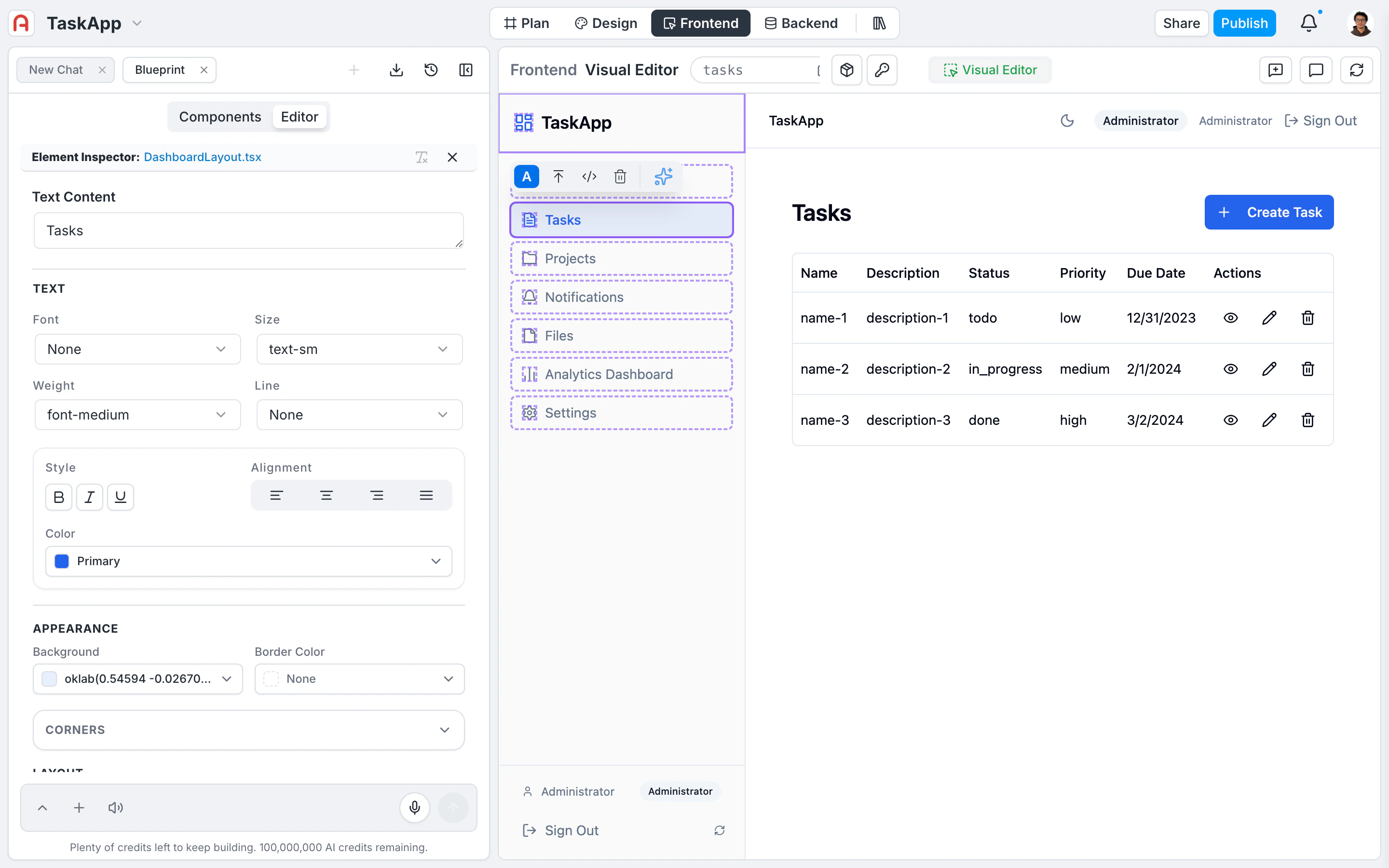
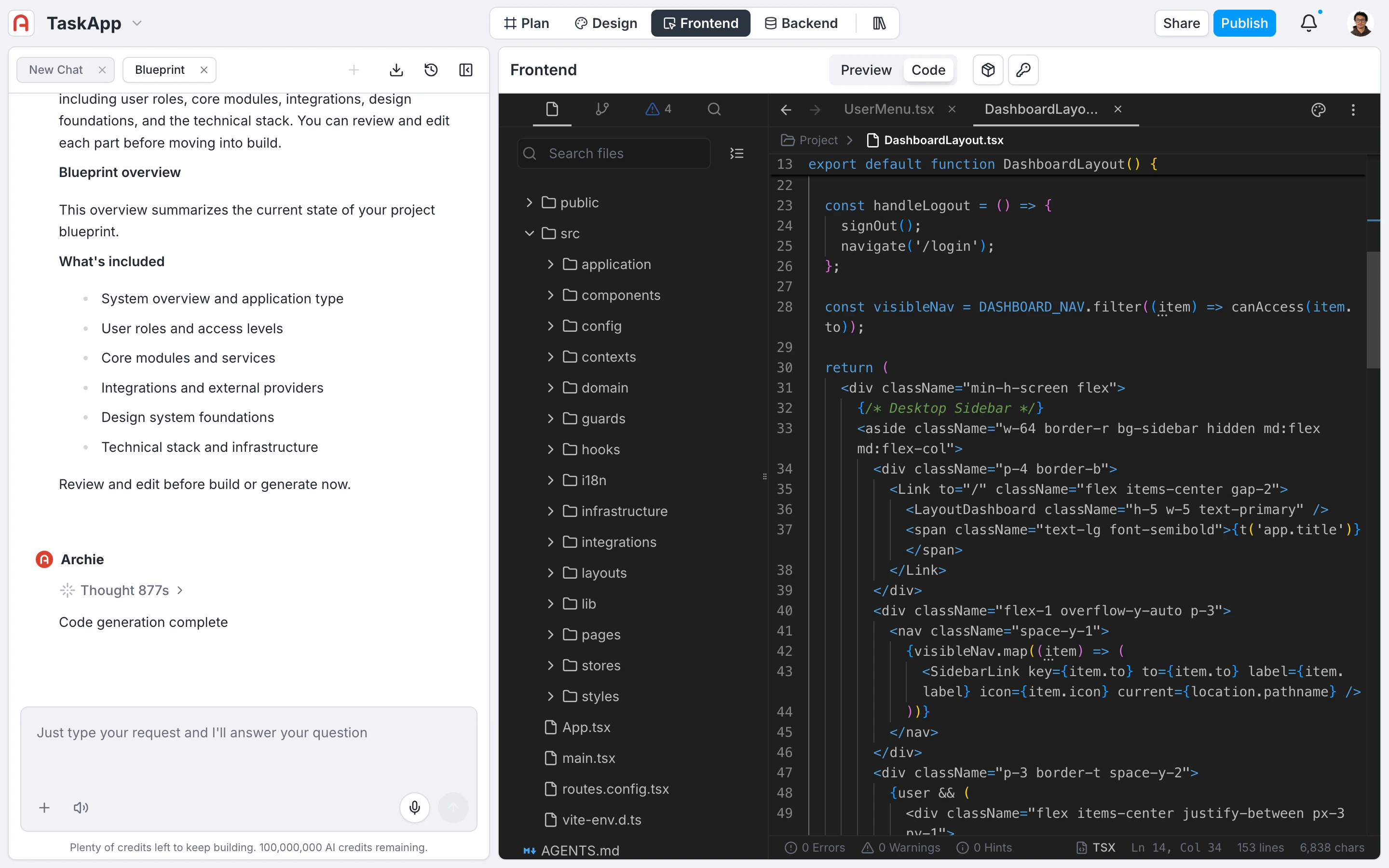
Customize the generated UI with the visual editor, the chat, or by editing code directly.
Backend
Archie Core — your managed backend with database, APIs, authentication, and integrations built in.
How Archie works
Archie generates a structured plan before any code is written. You describe what you want to build in plain language. Archie produces a blueprint covering modules, user types, system services, integrations, and tech stack. You edit the blueprint until it matches your intent — that is where your time goes. When the blueprint is ready, Archie runs the build. The output is a real full-stack application: a frontend hosted on a global CDN, a backend running on Archie Core (PostgreSQL or MySQL with auto-generated GraphQL and REST APIs, authentication, file storage, RBAC), and the wiring between them. After the build, you keep iterating. Talk to Archie to apply changes. Use the visual editor for layout and copy. Push to GitHub and edit code locally. The blueprint is your control surface for structural changes; the running app is where everything else happens.Assets
Every project has an Assets surface for images, videos, documents, and other files that your app uses or displays. Upload from the project, browse with search and filters, and reference assets from the visual editor, frontend code, or custom backend functions. Files are served from the storage provider configured in your blueprint. See Assets.Develop and debug your app
- Talk to Archie
- Visual editor
- GitHub integration
- Activity and logs
- Project structure
The chat is the primary modality for editing the running app. Describe a change in plain language (“add a search field to the orders page”, “make the dashboard sidebar collapsible”) and Archie applies it across the relevant files. The chat understands the project’s structure and generates code that matches the existing patterns.
Explore
Edit your data model
Add tables, fields, and relationships. APIs regenerate automatically.
Customize the UI
Visual editor for layout and copy, IDE for code, chat for everything in between.
Add an integration
Stripe, SendGrid, Twilio, Slack, Shopify, or build your own.
Manage environments
Development, staging, production, and beyond — with CI/CD between them.
Get an API key
Authenticate external clients with scoped, per-environment API keys.
Connect GitHub
Two-way code sync, pull requests, and branch-based deployments.