

Text vs. Varchar
By default, a Text field is stored as PostgreSQL’sTEXT type — a variable-length string with no specific limit (up to 1 GB per value). Toggling Is Varchar stores it as VARCHAR instead, which lets you specify a maximum character length.
Configuration options
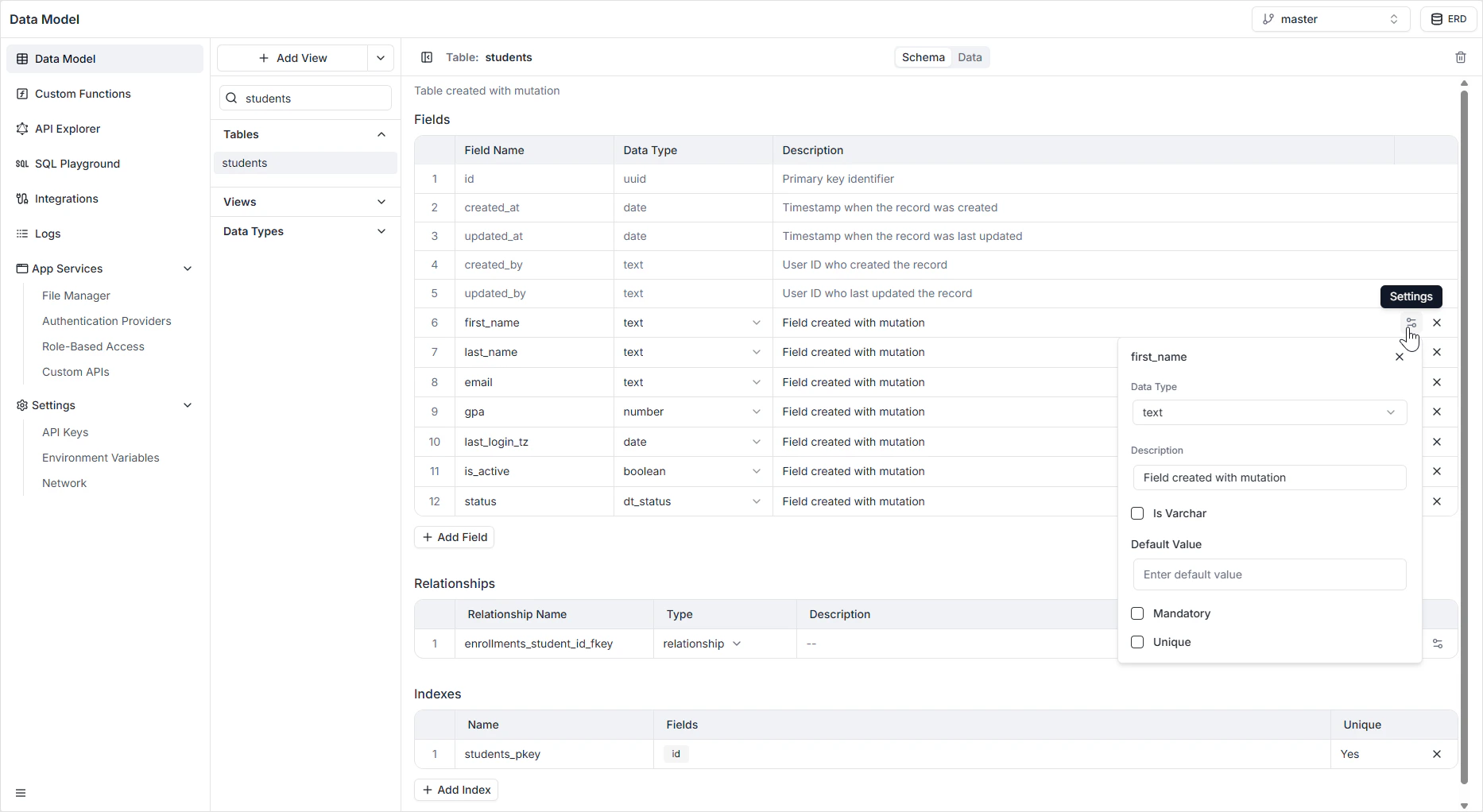
How it appears in the API
The field is generated as aString in GraphQL and as a JSON string in the REST API. See the GraphQL API Explorer for the generated queries and mutations.
Permissions
Text fields are subject to the per-role read and write rules configured in Role-Based Access. Use that page to hide sensitive fields (for example, internal notes) from specific user types.FAQ
When should I turn on Is Varchar?
When should I turn on Is Varchar?
Only when you want the database to enforce a maximum character length — for example, a fixed-width code or a tweet-style message cap. For everything else, leave it off.
Should I use Text or JSONB for a list of values?
Should I use Text or JSONB for a list of values?
Use JSONB. Text stores the list as one opaque string; JSONB lets you query specific elements and is faster to filter on.
How do I make a Text field case-insensitive unique (for emails)?
How do I make a Text field case-insensitive unique (for emails)?
Enable Unique. The auto-generated mutations validate uniqueness; for case-insensitive matching at the application layer, normalize values to lowercase before saving.
Is there a performance penalty for storing long Text values?
Is there a performance penalty for storing long Text values?
Not for typical content. PostgreSQL stores large text values out-of-line automatically. Indexing very long strings is what costs — keep
UNIQUE and indexed Text fields short.